Introducing – The AdSphere™ Network Log View
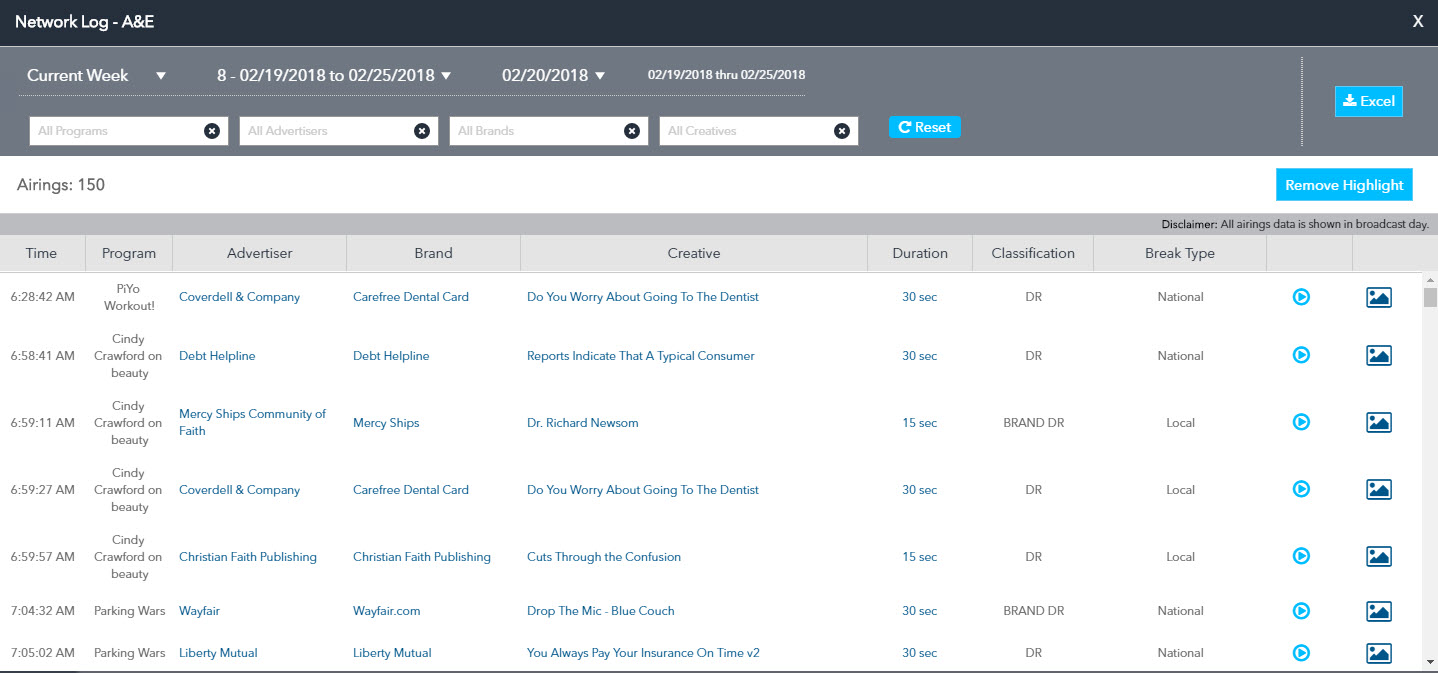
Now AdSphere allows you to view DR airings running on any chosen network for a specific broadcast day. Start by choosing your target network, any historical media week, and then the specific broadcast day you wish to analyze. As you can see below, the system will list all DR airings in chronological order starting at 6AM through 5:59:59AM the next day. We figured our users would want to see the network log view in broadcast day. Please let us know your thoughts!
The network log view will show all short form airings or, if you toggle Brand Classification to Long form,